Drawing to BOQ with AI: What Changes and What Does Not
Lesson 55 of 60 · 8 min read
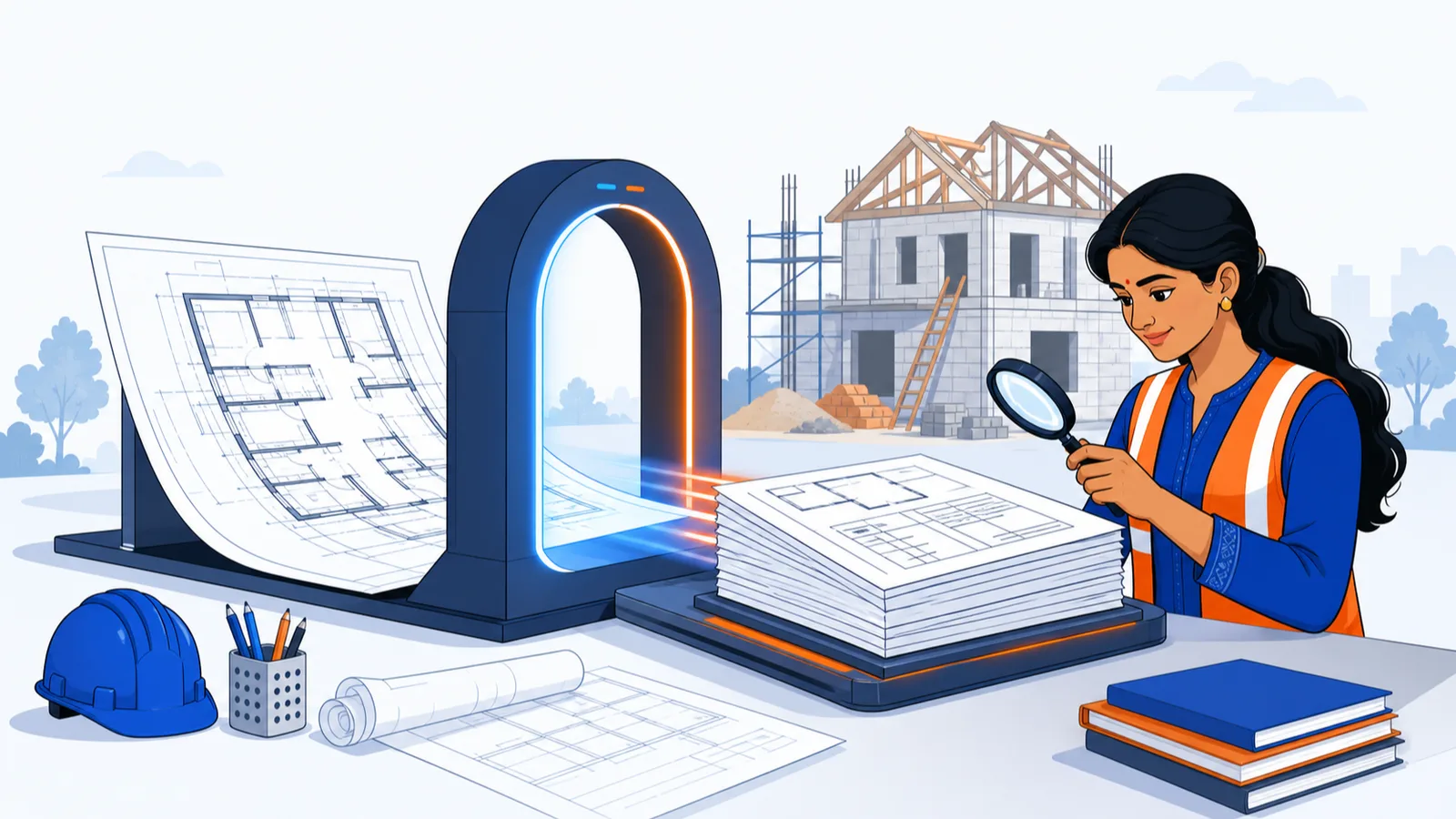
Every lesson in this course so far has assumed the slowest, most error-prone step in estimating: a human reading dimensions off a drawing and keying them into a sheet, one member at a time. AI drawing-to-BOQ tools attack exactly that step — the machine reads the PDF or DWG, identifies members, applies measurement rules, and produces the quantity lines. This is real and available today, including from SiteSetu, whose course this is; that connection is stated openly, and this lesson is written to the same standard as the rest of the course — including the section on what AI gets wrong. If a tool (ours or anyone's) will not show you its measurement sheets, this lesson gives you the grounds to refuse it.
What actually changes
The measurement labour compresses dramatically. A manual takeoff of a modest 1,500 sq ft G+1 residence means several hundred measurement entries. At even 3 minutes per entry — find the member on the drawing, read dimensions, key the row — 450 entries is 1,350 minutes, about 22.5 hours of pure measurement, before rate work and abstract assembly push the total past 30 hours. A capable AI pipeline produces the draft takeoff in minutes of machine time; the human work shifts to verification, typically a few hours. As one concrete reference point: SiteSetu's drawing-to-BOQ service delivers an engineer-reviewed BOQ within 48 hours of drawing confirmation, and the first project is free — see /boq-from-drawing.
Consistency improves. A tired human forgets the fourth window deduction at 7 pm; a rule-driven system applies the same deduction logic to every opening it detects. Repetitive, rule-based measurement — the IS 1200-convention arithmetic you learned in Modules 2 and 3 — is precisely what machines do better than people.
Traceability can improve — if you demand it. A proper AI takeoff outputs the same artefact you have built all course: L x B x D measurement sheets with drawing references, so every quantity decomposes into checkable lines. Those sheets are also your dispute armour: when a thekedar's lump-sum quotation and a measured BOQ disagree, a line-by-line comparison settles the argument on evidence instead of volume, and an owner or self-builder holding measurement sheets negotiates from records, not trust. This is the non-negotiable. A tool that returns only totals, or a generic chatbot that produces a plausible-looking BOQ from a text description, is not doing quantity surveying — general-purpose chatbots will confidently invent both quantities and rates, which is why a measurement-sheet-backed pipeline and a chat window are different species.
What does not change: the QS still owns five things
- The input. AI measures what the drawing shows. Incomplete drawings, missing structural sheets, or concept-stage plans produce assumption-laden output — the assumptions must be listed and must be reviewed by you. GFC sets give accurate results; napkin sketches do not, with or without AI.
- The assumptions. Unlabelled wall thicknesses, ambiguous levels, details referenced but not supplied — someone decides what was meant. A good pipeline surfaces these as explicit stated assumptions; your job is to confirm or correct each one.
- The rates. Measurement is geometry; pricing is judgement. DSR versus market basis, your city's current quotations, lead distances, contractor overheads — Module 4 remains entirely yours. Treat any auto-filled rate as a placeholder until you have sourced it.
- The sanity check. You verify the output against independent references before it goes anywhere — the worked example below.
- The sign-off. The person who certifies the BOQ carries the responsibility. That is why a serious AI pipeline puts an engineer's review between the machine and the deliverable (SiteSetu's does — every sheet is checked by an engineer before it goes out), and why your own review is still due even then.
Worked example: verifying an AI-produced BOQ in 30 minutes
You receive an AI-drafted BOQ for a 1,500 sq ft (total built-up) G+1 residence. One India-specific trap before you divide anything: use built-up area, not the carpet area from sale documents. RERA defines carpet area as the net usable floor area — excluding external walls, service shafts, and exclusive balconies — so for the same building it is meaningfully smaller than built-up area, and dividing steel by carpet area inflates kg/sqft enough to make a correct BOQ look heavy. When an owner or a RERA-registered developer hands you an "area", confirm which one it is. With that settled, and before reading a single line item, run the whole-building sanity bands — the thumb rules from Module 5, now working in reverse as verification instruments. The bands below are commonly quoted for low-rise RCC-framed residential work; they are sanity bands only, and real designs legitimately fall outside them.
| Check | Common band (low-rise RCC residential) | This BOQ | Verdict |
|---|---|---|---|
| Steel per sq ft of built-up area | roughly 3.0 - 4.0 kg | 5,700 kg / 1,500 = 3.80 kg/sqft | Within band |
| Cement per sq ft | roughly 0.4 - 0.5 bag | 690 bags / 1,500 = 0.46 bag/sqft | Within band |
| GF brickwork vs your centreline spot-check | approx 29 cum (see below) | 48 cum | Flag — investigate |
The brickwork spot-check took ten minutes: centreline wall length from the plan approx 46 m, height 3.0 m, thickness 0.23 m gives 46 x 3.0 x 0.23 = 31.74 cum; deduct openings approx 2.7 cum, leaving roughly 29 cum. The BOQ says 48 cum — about 65 percent higher. Now you open the measurement sheets (which is why they must exist) and trace it: the pipeline measured internal partition walls at 230 mm where the plan notes them as 115 mm. One corrected assumption, resubmitted, and the item falls in line. That is the workflow: bands first, trace flags through the measurement sheets, correct assumptions at the source — never hand-edit a total, because a hand-edited total is a typed number with no evidence behind it, the exact disease Lesson 1 cured.
Two things about this example are worth underlining. First, the failure was not arithmetic — machines multiply correctly — it was an assumption about an ambiguous drawing, which is exactly where human review earns its keep. Second, the two passing bands did not prove the BOQ correct; they proved it was not absurd. Band checks catch factor-of-large errors, not line-item ones. Your line-item spot-checks (pick the three biggest-value items, trace each to its measurement lines) remain the standard set in Module 7.
Where this fits your tool ladder
The previous lesson's decision framework applies unchanged — AI takeoff is rung three with a different engine, and the same demands hold: Excel export, L x B x D traceability, Indian formats, stated assumptions, a human verification step. What AI changes is the economics of the ladder for small players: a one-person contractor who could never justify 30 hours of takeoff per tender can now bid with measured quantities instead of Rs./sqft guesses. If you want to test the workflow on a real project, SiteSetu's /boq-from-drawing service takes PDF or DWG drawings and returns the BOQ, measurement sheets, abstract with GST, and a material summary — your first project is 50% off (up to ₹5,000), so you can run this lesson's verification drill on a live deliverable and judge the output yourself. Whichever tool you use, hold it to this lesson's standard.
Common mistakes
- Trusting output because it is fast and neatly formatted. Speed and formatting are the cheapest parts of a BOQ; correctness of assumptions is the expensive part.
- Accepting totals without measurement sheets. No L x B x D lines, no BOQ — the rule from Lesson 1 does not bend for AI.
- Using generic chatbots for quantities. Text-in, BOQ-out with no drawing measurement behind it produces confident fiction.
- Feeding concept drawings and expecting GFC accuracy. The drawing quality ceiling applies to machines exactly as it applies to you.
- Skipping the sanity bands because "the engineer reviewed it". Reviews stack; they do not substitute. Your name goes on the estimate.
You now have the complete tool ladder: a takeoff workbook that scales, trackers that defend the budget, a framework for the move to software, and an honest map of what AI takes off your desk and what it hands back to your judgement. The capstone module puts all of it to work on one full project — drawings to takeoff to BOQ to budget to billing.
Key takeaways
- AI compresses the measurement step of a takeoff from tens of hours to minutes, and applies deduction rules with a consistency tired humans cannot match.
- The QS still owns five things AI cannot take: drawing completeness, stated assumptions, rates, sanity checks, and final sign-off.
- No measurement sheets means no BOQ — an AI tool must output L x B x D lines with drawing references, exactly like your own workbook.
- Generic chatbots without drawing measurement behind them produce confident fiction; a measurement-backed pipeline and a chat window are different species.
- Verify AI output with whole-building sanity bands first, then trace any flag through the measurement sheets and fix the assumption — never hand-edit a total.
- Passing sanity bands proves a BOQ is not absurd, not that it is correct; line-item spot-checks on the biggest-value items remain mandatory.
Verify on site
- Confirm the drawing set is complete (architectural plus structural) before submitting; note any missing sheets as expected assumptions.
- Read every stated assumption in the deliverable and confirm or correct each against the drawings.
- Run the sanity bands: steel kg/sqft and cement bags/sqft against the built-up area before reading line items.
- Do one independent centreline spot-check on the largest masonry or concrete item and compare.
- Trace the three biggest-value BOQ items to their measurement lines and drawing references.
- Replace or confirm every rate against your city's current quotations or the applicable DSR before using the amounts.
- Re-run the drill after any drawing revision — a superseded BOQ is a wrong BOQ, whoever made it.
Check your understanding
5 questions. Answering them marks this lesson complete — results stay on your device.
Want the free certificate?
The whole course is free and open — no signup needed to learn. Enter your details only if you want us to track your progress on this device and issue a named certificate after the final assessment.